 01≈ 10 seconds
Paste your URL
Any public site. We crawl the key pages — desktop and mobile.

See why visitors leave — and what to fix first.
Consulting-grade, in minutes.
Free tier — 1 audit per month, no card required.
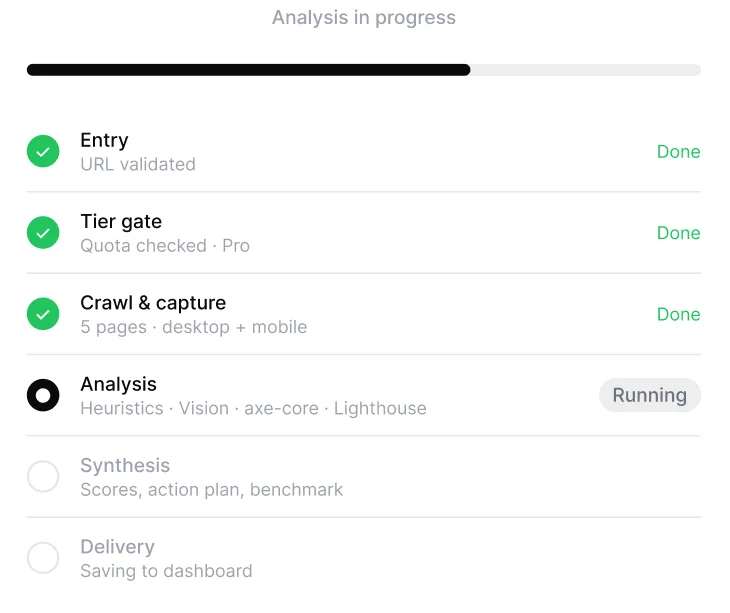
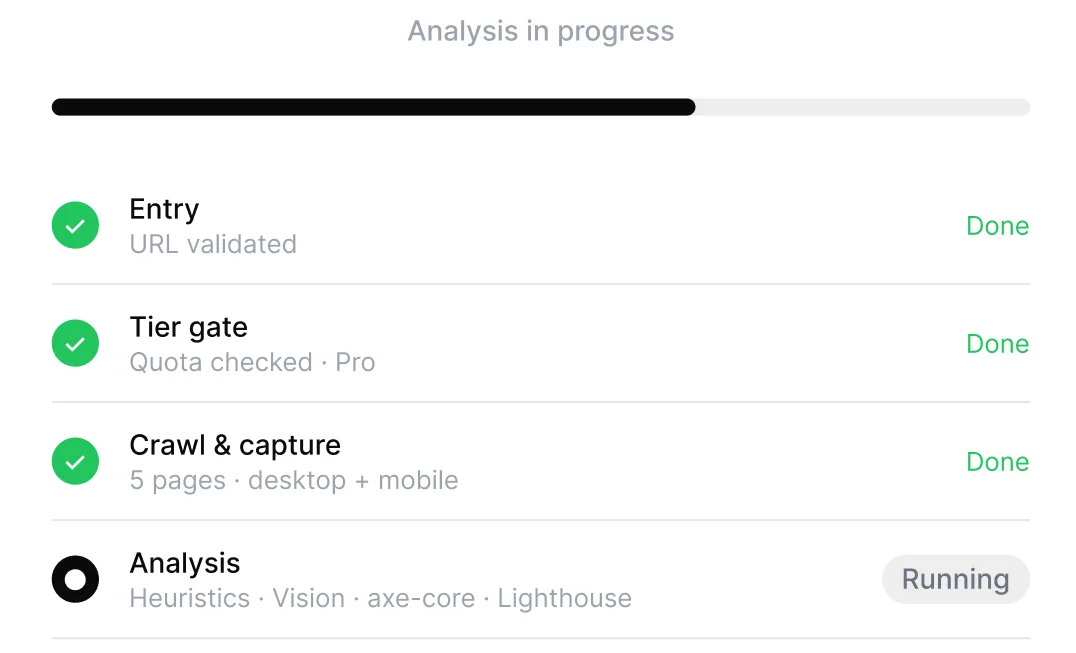
No setup, no meetings, no analyst on retainer. The audit runs itself and comes back with what to fix first.
01≈ 10 secondsAny public site. We crawl the key pages — desktop and mobile.
02≈ 3 minutesRules, AI vision and hard metrics cross-check every finding.
03Same dayQuick wins for this week. Bigger moves for this quarter.
This is the actual product output — Stripe’s homepage, audited end-to-end. Screenshots, scores, a prioritised action plan. Open it and judge for yourself.
Open the sample auditIllustration of the audit report screen: overall score, six category meters and a three-bucket action plan.
The audit lands in a dashboard, not an inbox. Every finding is an item you can filter, give a status, and check off.
Illustration of the projects dashboard with three sites, their scores and recent activity.
Each domain is a project with its full scan history. Re-run the audit and the dashboard updates in place — no stale reports, no version chaos.
Filter by severity, category or effort. Mark items resolved or won’t-fix — the audit keeps score with you instead of gathering dust.
Illustration of the findings list with severity filters and per-item statuses.
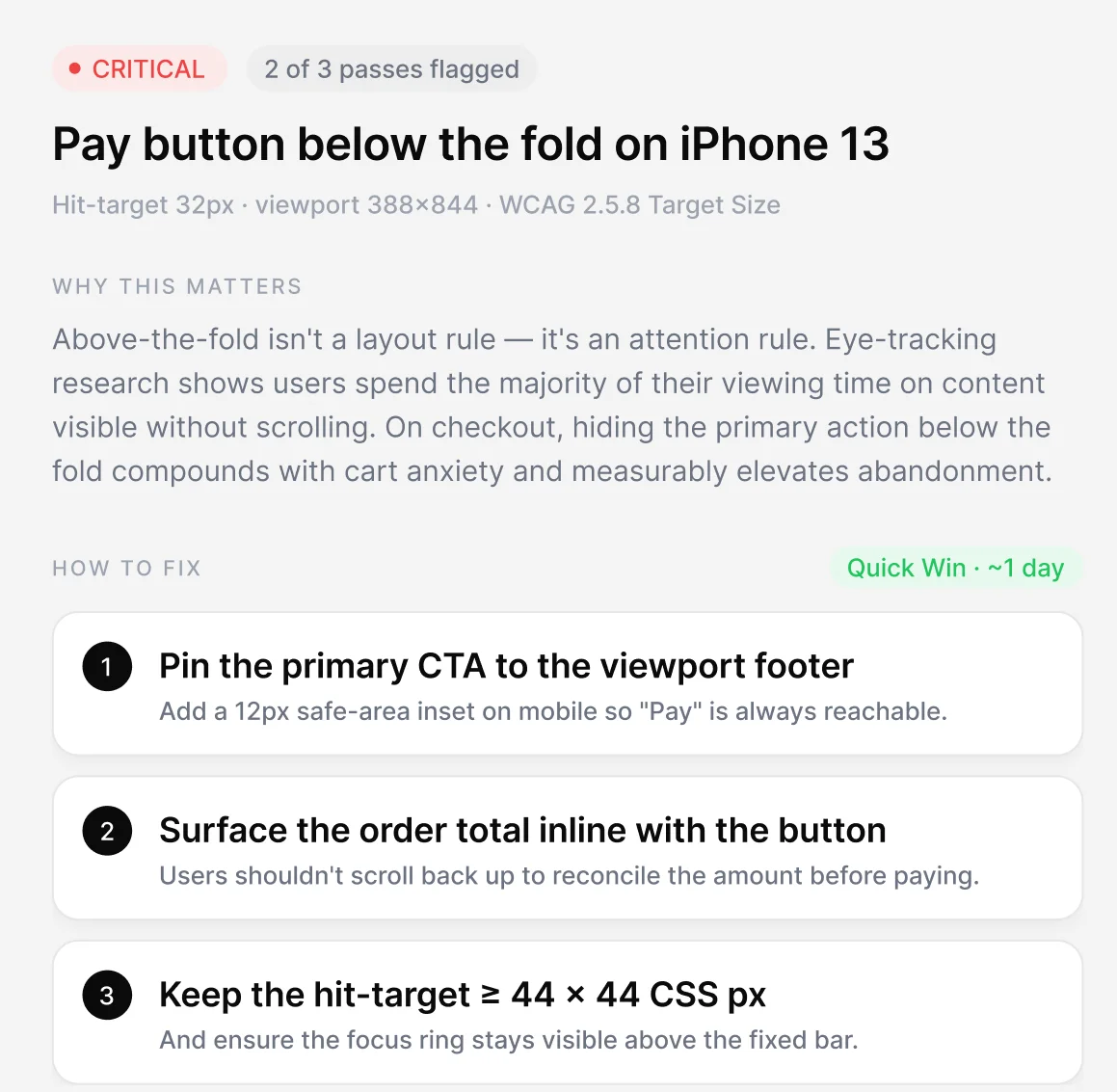
Illustration of a single finding: annotated screenshot, the principle it violates, recommendation and severity.
The principle it violates, why it matters on your site, the exact element pinned on your screenshot — and what to change. Nothing to take on faith.
Agencies sell with it, designers defend with it, marketers fix with it. Same report — three jobs.
The audit, done before the pitch.
Run the audit on a prospect’s site before the first call — the report itself opens the deal.
White-label reports and clean share links. Our name nowhere.
All sites, scans and statuses in one place — no version chaos.
Arguments with sources.
Every finding cites Nielsen, a UX law or WCAG 2.2. Not taste — sources.
The exact element, on your site, desktop and mobile.
Findings confirmed by 2–3 engines are high-confidence; the rest are flagged to verify.
Find what kills conversion.
CTA clarity, trust signals, friction — ranked by impact on the money path.
Every fix sits in an effort bucket: days, weeks or quarter.
Ship the fix, re-scan, watch the score move.
Read-only report link for any audit — no login needed.
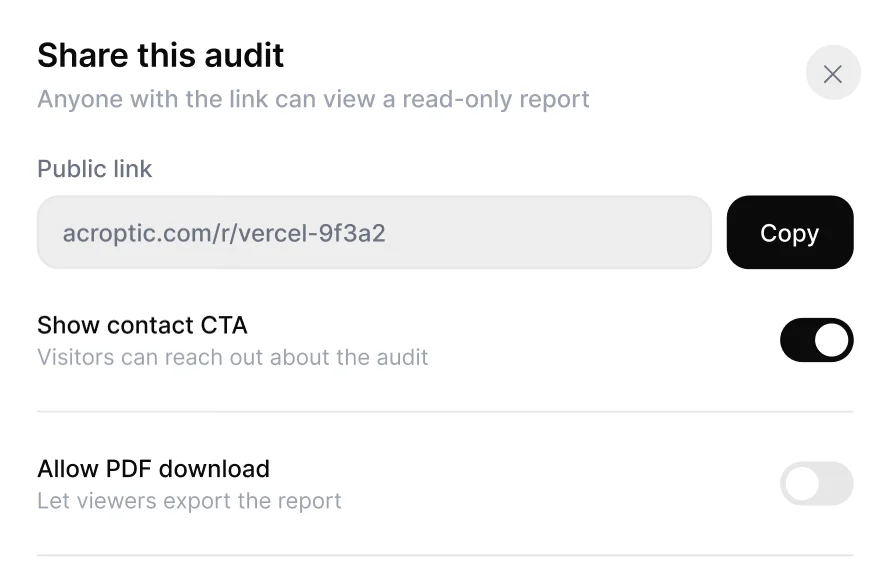
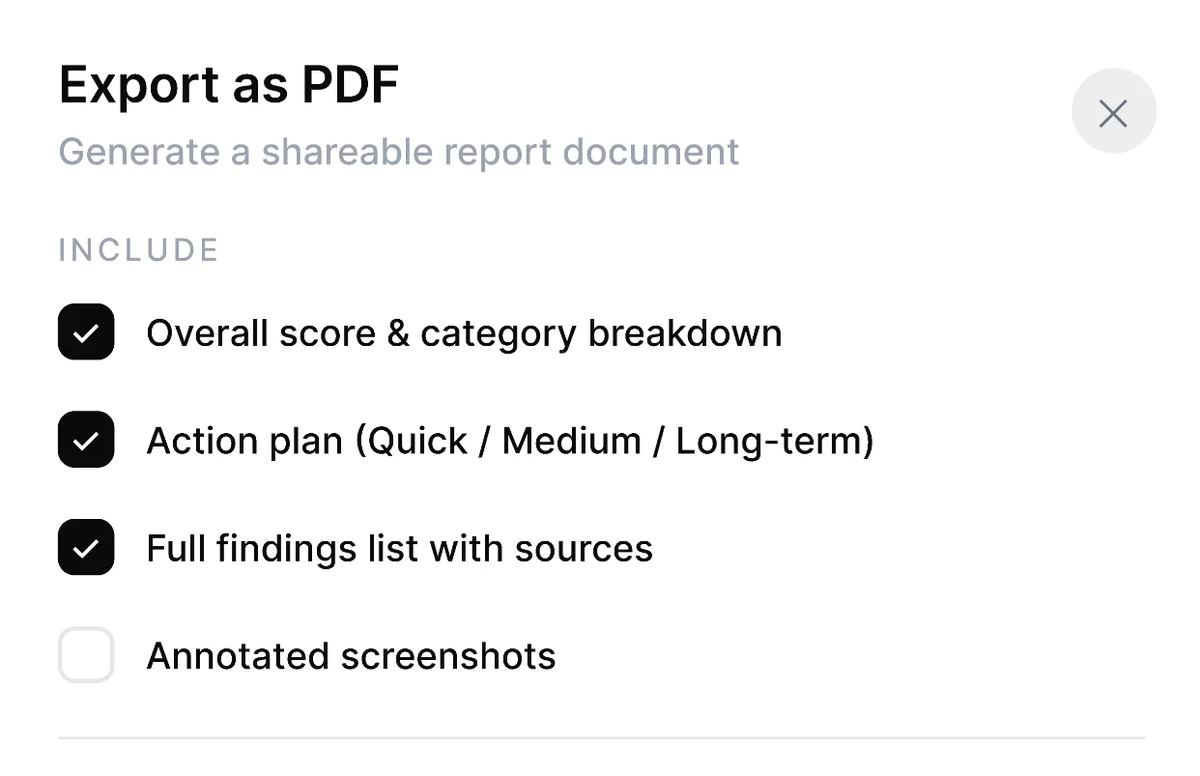
Client-ready export on Pro. Branded on Agency.
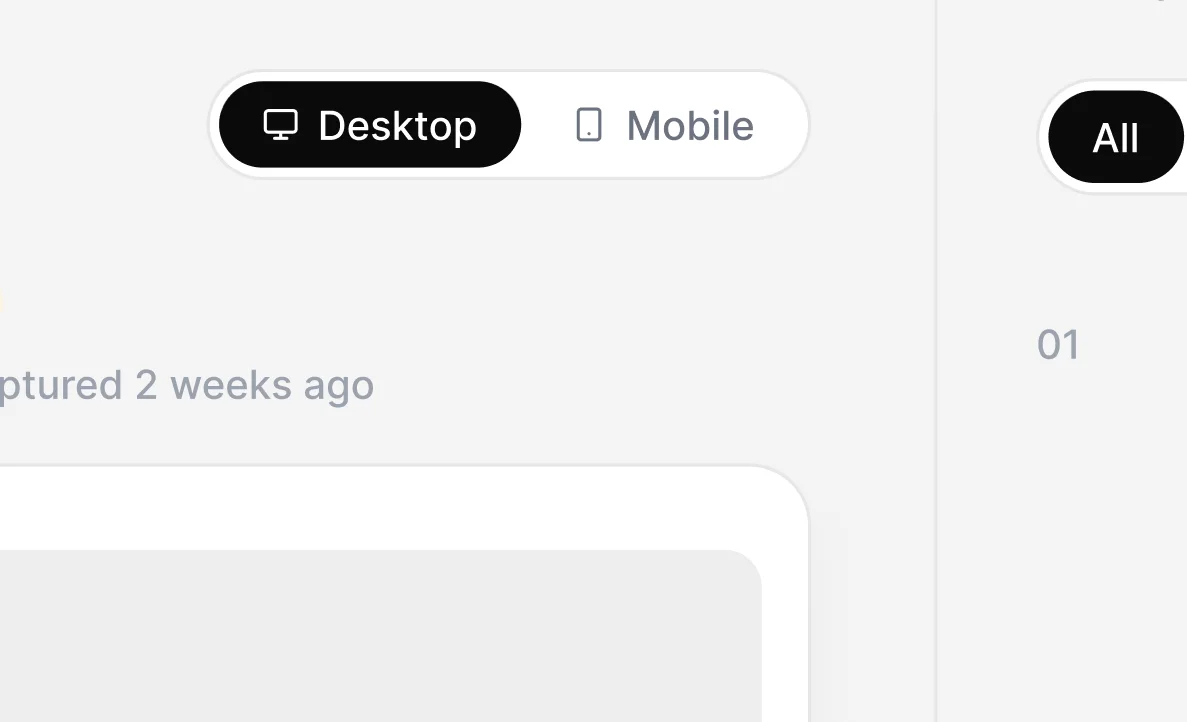
Every audit runs both viewports, side by side.
E-commerce, landing or portfolio — different rules load.
Accessibility findings tied to the exact criterion.
Fix, re-run, see the delta on every score.
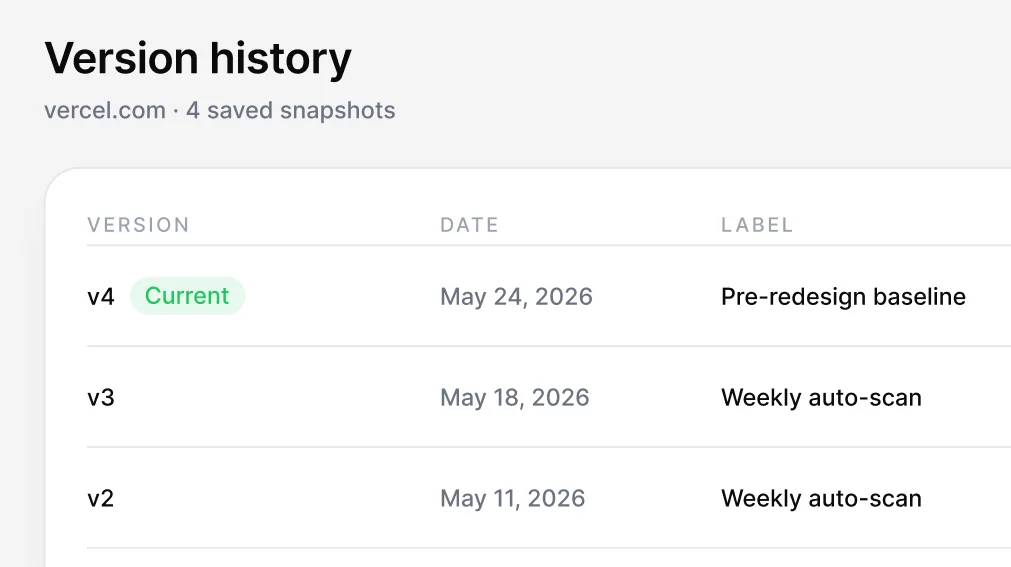
Every scan kept on Pro. Free keeps 30 days.
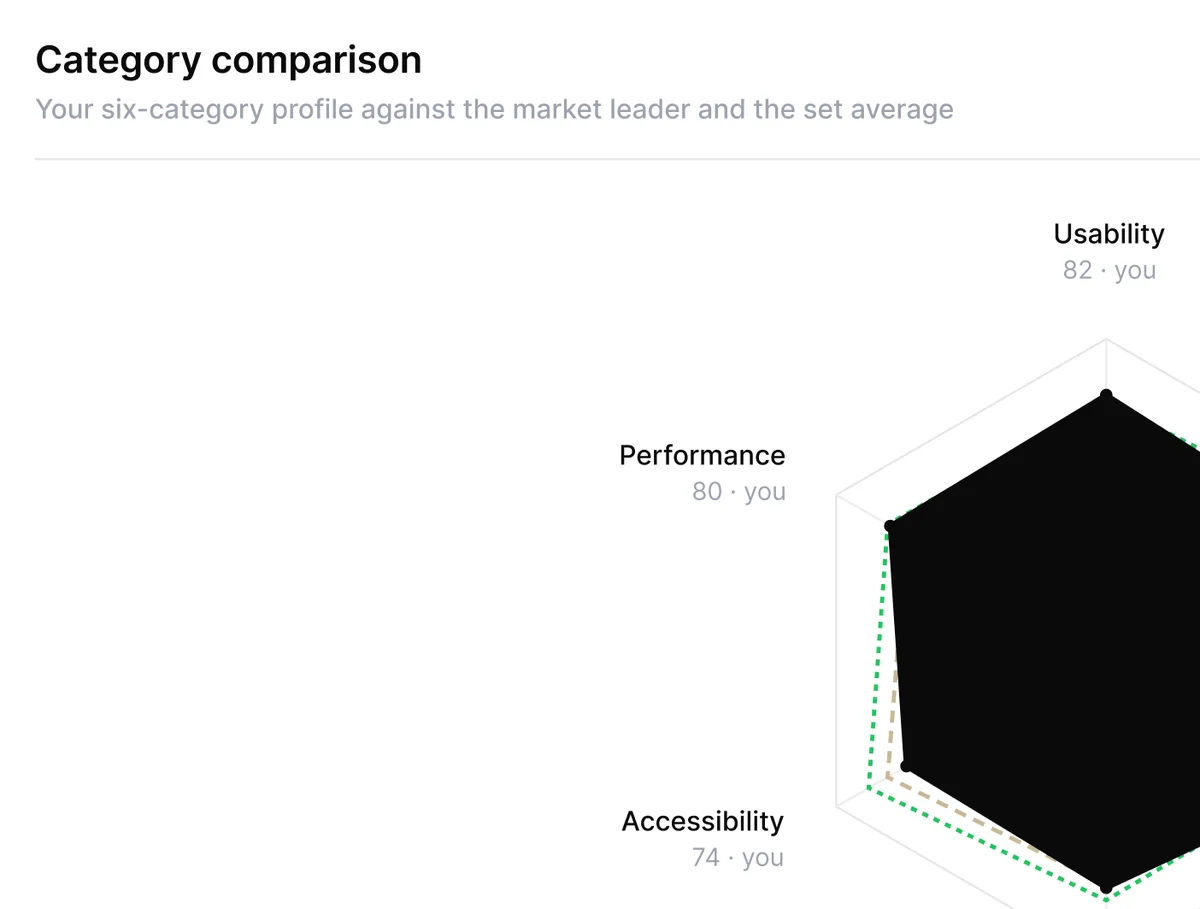
Your score against your market, category by category.
Rules, AI vision and automated metrics read your site independently. When two engines agree, a finding is high-confidence. When only one does, it’s flagged for you to verify.


Lighthouse and axe are inputs — we run them for you. A consultant adds judgment on top. So does the audit, at a different price and speed.
Free starts you off. Pro unlocks the full report. Agency adds white-label and multi-client dashboards.
$0/forever
Run your first audit, no card. The introduction to consulting-grade UX.
Start free WHAT’S INCLUDED$49/month$490 yearly · save 17%
For founders, in-house designers and PMs who need the full report on demand.
Choose Pro WHAT’S INCLUDED$299/monthBilled annually · agency & teams
White-label reports, multi-client dashboards, custom domain. Built for agencies and product teams running audits at scale.
Get the plan EVERYTHING IN PRO, PLUSA few minutes for most sites. Results appear as soon as the crawl and all three analysis passes finish.
Any publicly reachable site. Pages behind a login aren’t supported yet.
Every finding is cross-checked by up to three engines. Anything only one engine saw is explicitly flagged for you to verify.
Lighthouse and axe are inputs — we run them for you. On top, the audit adds judgment: hierarchy, copy, conversion, prioritisation.
No. The free tier includes one audit per month, no card required.
They’re stored only to render your report and never shared. Delete a project and its data any time.
Yes — every audit has a public read-only link. Pro removes the watermark and adds PDF export.
Yes. Billing runs on Stripe — cancel in one click from your account, no emails to write.
Still in beta, but the results already impressed me — the findings read like a real consultant looked at our site.
They’re just getting started, but the audit already looks solid — we now use it in our team’s design reviews.
Our developers picked up the quick wins right after the audit — shipping real fixes cost us almost nothing.
No card, no demo call, no scheduling.

 Desktop + Mobile